An Overview of Microsoft Fabric

Microsoft Fabric is Microsoft’s unified data analytics platform, bringing together many of the company’s data tools and services in a single integrated environment. Fabric’s mission is to simplify how businesses deal with data by offering all of the capabilities required to acquire, process, analyze, and get insights from data via a single set of tools and user experiences.

Fabric, Power BI, Power Platform, Data Platform: What Is Microsoft Fabric  and Why Should I Care?

*images are from google

In this article, we will look at Microsoft Fabric’s core components, how it intends to solve the complexity of existing analytics systems, and the numerous capabilities it gives to various data roles. By the conclusion, you should have a firm grasp on what Fabric is and how it can help your company.

Existing Analytics Solutions’ Complexity

Prior to Fabric, managing analytics initiatives frequently included interfacing with a plethora of different solutions from various vendors There were well over 30 separate products in Microsoft’s portfolio encompassing data integration, storage, engineering, warehousing, science, and business intelligence.

*images are from google

Furthermore, each product had its own license, administration, and user experience. This added significant complexity to enterprises in terms of cost, resources required to maintain the many systems, and assuring correct tool integration.

It also meant that data teams spent too much time learning about different technologies rather than focusing on the analytics task itself. This overall climate makes developing and scaling analytics programs difficult.

Introducing Fabric

Microsoft Fabric aims to address this complexity through a single unified platform that combines critical analytics capabilities into a common set of services and user experiences. At a high level, Fabric is like an “umbrella” that brings structure and simplicity to what was a fractured landscape of individual tools.

Some key goals of Fabric include:

  • Providing a complete analytics platform with everything needed for end-to-end projects
  • Centralizing around a shared data lake (OneLake) to eliminate data movement/silos
  • Empowering all users from data scientists to business analysts
  • Reducing costs through a unified licensing and resource mode

The core components that make up Fabric include tools for data integration, engineering, warehousing, science, real-time analytics and business intelligence. All are integrated and share a common set of services like governance, security and OneLake storage.

*images are from google

Microsoft Fabric Components

The main capabilities provided by Fabric include:

Data Integration 

Azure Data Factory and Data Flow allow organizations to ingest data from various sources into Fabric. Data Factory provides an intuitive UI for defining/executing data pipelines and movement. Data Flow enables powerful ETL capabilities through a code-based workflow designer.

Data Engineering

Synapse provides the ability to build data infrastructure using Lakehouse technology. Lakehouse combines a data lake and warehouse to enable analytical workloads directly on raw/semi-processed data. Engineers can define schemas, metadata and ingest data pipelines to transform and prepare data for analytics.

Data Warehousing  

Synapse delivers a fully managed and elastic cloud data warehouse service for analytics at scale using SQL. It unifies SQL and Spark processing for queries against both structured and semi-structured data stored in the data lake. Customers pay only for the resources used.

Data Science

Synapse facilitates the end-to-end machine learning lifecycle, from data prep/modeling to model training/deployment. It allows data scientists to leverage various AI services for tasks like feature engineering, model training etc. Models can also be deployed and served through web services.

Real-time Analytics

Synapse real-time analytics processes streaming data as it arrives from various sources using the Kusto query language. This enables low-latency analytics of IoT, sensor or other continuously generated data to detect patterns, anomalies or drive real-time actions.

Business Intelligence

With deep integration into Fabric, Power BI delivers self-service analytics and visual data exploration. Users can access and report against the single authoritative data source in OneLake without data movement or preparing additional data models.

*images are from google

Each workload is accessible through a common user environment and stores/accesses data in OneLake, eliminating data silos and movement. Additional services like Data Activator enable automating actions from insights.

Conclusion

In today’s data-driven world, organizations must simplify how they work with analytics. Microsoft Fabric offers a uniform platform for doing so. Fabric reduces the complexity caused by conventional tool sprawl by merging important capabilities into a coherent collection of services. Whether you are an individual data specialist or the leader of an enterprise-wide analytics program, Fabric might help you achieve your objectives faster by providing a standard set of strong yet accessible tools.

How to integrate ChatGPT, a large language model, with Azure

In this article, we will be discussing how to integrate ChatGPT, a large language model, with Azure.

Azure is a cloud-based platform that provides a wide range of services for building, deploying, and managing applications and services. With Azure, you can easily integrate ChatGPT into your applications and services.

Here’s how you can integrate ChatGPT with Azure:

Step 1: Create an Azure Cognitive Services account

The first step is to create an Azure Cognitive Services account. Azure Cognitive Services provides a set of APIs and services that enable you to add intelligent features to your applications. To create an Azure Cognitive Services account, go to the Azure portal and follow the steps to create a new Cognitive Services resource.

Step 2: Create a resource group

Once you have created a Cognitive Services account, the next step is to create a resource group. A resource group is a logical container for your Azure resources. To create a resource group, go to the Azure portal and follow the steps to create a new resource group.

Step 3: Create a ChatGPT instance

The next step is to create a ChatGPT instance. ChatGPT is a large language model that can be used to generate human-like text. To create a ChatGPT instance, go to the Azure portal and follow the steps to create a new ChatGPT resource.

Step 4: Configure the ChatGPT instance

Once you have created a ChatGPT instance, you need to configure it. To configure the ChatGPT instance, you need to specify the language and the model size. You can also configure other settings such as the temperature and the number of responses to generate.

Step 5: Integrate ChatGPT into your application

The final step is to integrate ChatGPT into your application. To do this, you can use the Azure Cognitive Services API to send a text string to the ChatGPT instance and receive the generated text response. You can integrate ChatGPT into your application using one of the following methods:

  • REST API: You can use the Azure Cognitive Services REST API to send a text string to the ChatGPT instance and receive the generated text response.
  • SDK: You can use the Azure Cognitive Services SDK to integrate ChatGPT into your application. The SDK provides a set of client libraries for different programming languages such as Python, .NET, and Java.

Here’s an example of how to use the Azure Cognitive Services API to integrate ChatGPT into your application:

kotlinCopy codeimport requests

endpoint = 'https://<your_chatgpt_instance>.cognitiveservices.azure.com/text/analytics/v3.0/predict'

headers = {
    'Ocp-Apim-Subscription-Key': '<your_subscription_key>',
    'Content-Type': 'application/json'
}

data = {
    'documents': [
        {
            'id': '1',
            'text': 'Hello, ChatGPT!'
        }
    ],
    'model-version': 'latest',
    'language': 'en',
    'settings': {
        'temperature': 0.5,
        'max-length': 50,
        'top-p': 0.9
    }
}

response = requests.post(endpoint, json=data, headers=headers)

print(response.json())

Conclusion

In this article, we discussed how to integrate ChatGPT with Azure. We covered the steps to create an Azure Cognitive Services account, create a resource group, create a ChatGPT instance, configure the ChatGPT instance, and integrate ChatGPT into your application using the Azure Cognitive Services API. By following these steps, you can easily add ChatGPT to your applications and services on the Azure platform.

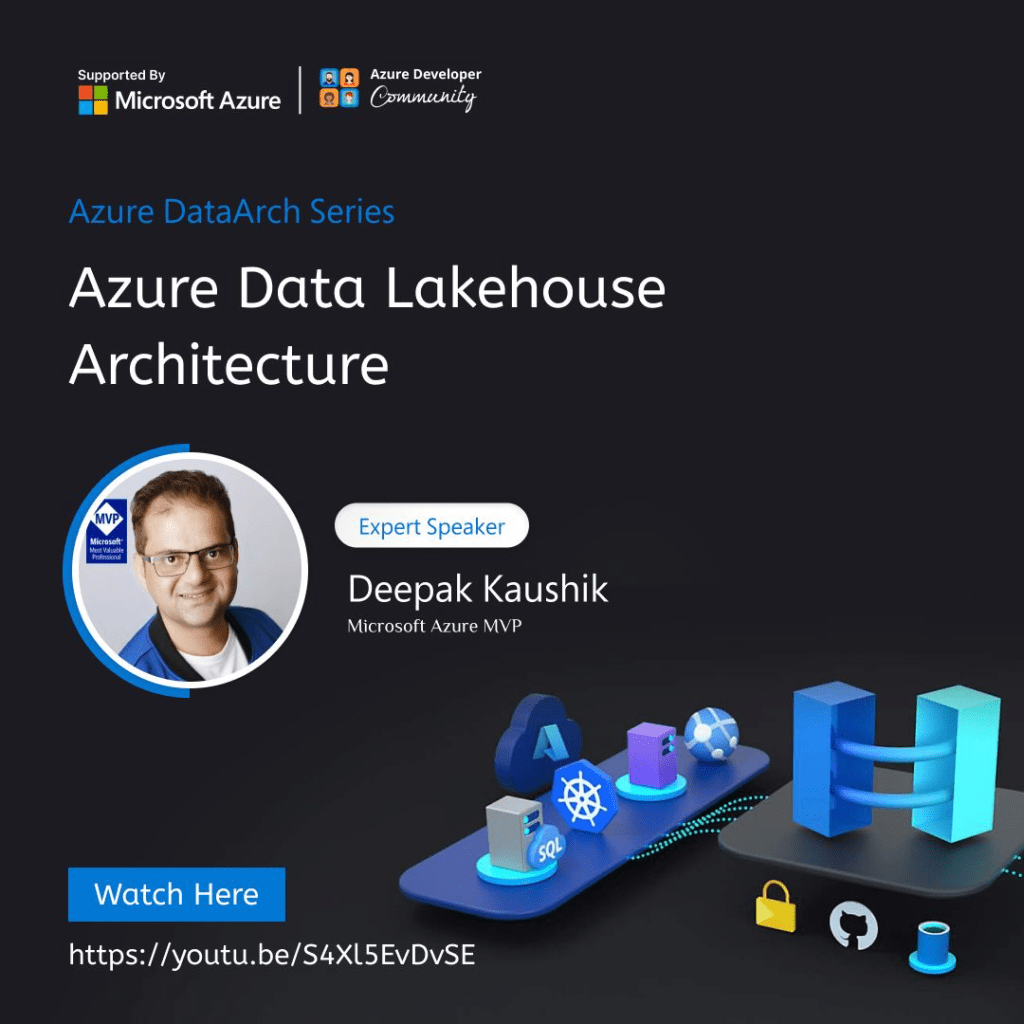
Azure architect series | EP 02 | Azure Data Lakehouse Architecture

Welcome to the second episode of our Azure Data Architecture series! In this episode, our guest speaker Deepak Kaushik, a Microsoft Valuable Professional, will be sharing his extensive knowledge and expertise on Azure Data Lakehouse Architecture. If you’re looking to harness the full potential of your data with Azure, then this episode is a must-watch. Deepak will take you on a deep dive into the Azure Data Lakehouse Architecture, discussing its benefits, use cases, and implementation strategies. Whether you’re a data engineer, data scientist, or data analyst, you’ll gain invaluable insights into how you can leverage this architecture to drive business outcomes and gain a competitive edge. So sit back, relax, and join us for an engaging and informative discussion on Azure Data Lakehouse Architecture with Deepak Kaushik. Don’t forget to like and subscribe to our channel to stay up-to-date on the latest trends and best practices in the world of Azure data architecture. Connect with the speaker here: LinkedIn: https://www.linkedin.com/in/davekaushik/ Blog: https://www.c-sharpcorner.com/members… Website: https://deepak-kaushik.com/ Twitter : https://twitter.com/ThinkForDeepak

Azure Architecture Series | EP 01 | Unwinding Microsoft Azure Well-Architected Framework

The Microsoft Azure Architecture Series is a comprehensive video series that provides a deep dive into the architecture and design of Azure solutions. Whether you’re new to Azure or an experienced architect, this series offers practical guidance and real-world scenarios to help you build scalable, secure, and highly available cloud solutions. Whether you’re interested in building cloud solutions for your organization or enhancing your cloud skills, the Microsoft Azure Architecture Series is an invaluable resource for anyone looking to maximize their use of Azure. Subscribe to the channel to get the latest updates and be sure to leave your comments and feedback to help shape future episodes. Connect with the speaker here: LinkedIn: https://www.linkedin.com/in/davekaushik/ Blog: https://www.c-sharpcorner.com/members… Website: https://deepak-kaushik.com/ Twitter : https://twitter.com/ThinkForDeepak

Morning Show: Canadian Microsoft MVPs explaining Microsoft AI with Power Platform Demo

Discovering the Power of Microsoft AI with Canadian MVPs: Power Platform Demo and More!” “Exploring the Limitless Possibilities of Microsoft AI with Canadian MVPs on the Morning Show” “Revolutionizing Business Processes with Microsoft AI: Canadian MVPs Showcase Power Platform Demo” “Rise and Shine with Canadian MVPs: A Morning Show Featuring Microsoft AI and Power Platform Demo” “Canadian Microsoft MVPs “Rahat Yasir and Deepak Kaushik” Reveal the Magic of Microsoft AI with an Exclusive Power Platform Demo on the Morning Show

Morning Show: Canadian Microsoft MVP’S unlocking the Full Potential of Azure OpenAI with ChatGPT

In this training module, you will learn the fundamentals of the Azure OpenAI Service, its benefits, and its ease of use. You will also explore the features and capabilities of the service, which include advanced natural language processing, speech recognition, and image recognition. To help you get started, the module provides a demo on the “Largest Rectangle in Histogram” problem. 1. Introduction to Azure OpenAI Service (https://learn.microsoft.com/en-us/training/modules/explore-azure-openai/) 2. https://azure.microsoft.com/en-us/products/cognitive-services/openai-service/ 3. Demo on Largest Rectangle in Histogram (https://leetcode.com/problems/maximal-rectangle/) But that’s not all! We have also brought in two experts to give you their valuable insights. Deepak Kaushik, Microsoft Azure MVP, and Rahat Yasir, Microsoft AI MVP, share their expert advice on how to use the Azure OpenAI Service to unleash the full potential of AI in your applications.

Unwinding Microsoft Azure Well-Architecture Framework

Hey, everyone! 🔥
The first Episode on #Azure #Architecture has just dropped on our YouTube channel, and it’s a game-changer! 🚀

In this video, Deepak Kaushik ☁️ MVP took a thorough analysis of Azure’s powerful world and explored its various architectural components, covering everything from computing and storage to security and networking.

Whether you’re a seasoned cloud architect or a beginner in the field, this series has something for everyone.🌟

So, if you’re looking to unlock the full potential of cloud computing, this video is a must-watch!🎉
Watch it here: https://lnkd.in/daxCMw3d

Nithya Krishnan Gunjan Kathariya Sona Sharma Trishala Jain, Vivek Sridhar🥑, Deepak Rajendran, Himani Agrawal, Rahul Singh, Nish Anil Rohit Sardana

Azure #CloudComputing #Architecture #CloudSolutions #Tech #DigitalTransformation

Expert speaker: Deepak Kaushik’s Azure Data Architecture series

Are you ready to take your data management skills to the next level? Join me for an exciting and informative episode of #azure #Data #architecture series with Azure Developer Community, where we explore the full potential of the Azure Data Lake Framework.

During the live demo, you’ll gain valuable insights into the capabilities of the Azure Data Lake Framework and how it can help you overcome common data challenges. I will walk you through real-world examples and showcase how the framework can streamline your data management processes. You’ll learn how to leverage the power of Azure to process and analyze massive amounts of data quickly and efficiently.

Whether you’re a seasoned data professional or just starting, this episode is perfect for you. You’ll come away with a greater understanding of the potential of the Azure Data Lake Framework and how to maximize its capabilities to benefit your business.

So why wait? Don’t miss this incredible opportunity to learn from a seasoned expert and take your data management skills to the next level.

Watch the episode now by clicking on the link below: https://lnkd.in/dcGvVqiN.

mvpbuzz #azure #databricks #dataarchitecture

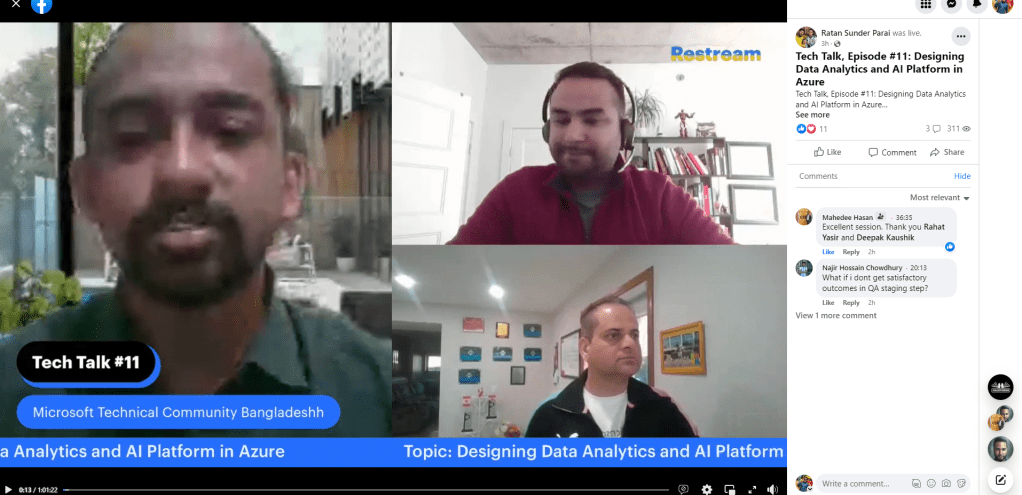
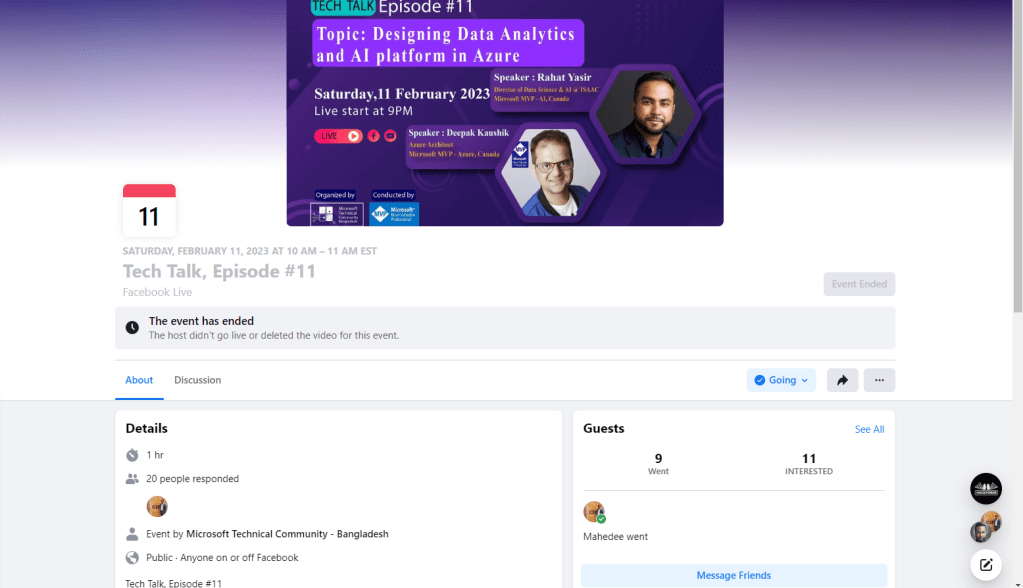
Morning Show: Canadian Microsoft MVP’S speaking on current Technology Landscape (11 Feb, 2023)

Speaker 01: Rahat Yasir -Director of Data Science & AI/ML at ISAAC Instruments | Microsoft MVP – AI | Canada’s Top Developer 30 U 30

Speaker 02: Deepak Kaushik(Azure MVP) 5X Microsoft Azure MVP | Azure Architect and Advisor | Trainer | International Speaker |

Topic: AI and Microsoft Azure collaboration and synergy from experts on current Technology Landscape

Morning Show: Canadian Microsoft MVP’S speaking on current Technology Landscape – YouTube