This is free, event-driven by user groups and communities around the world, for anyone who wants to learn more about Microsoft’s Power Platform. In this boot camp, we will deep-dive into Microsoft’s Power Platform stack with hands-on sessions and labs, delivered to you by the experts and community leaders.
You won’t want to miss this demo-focused session with industry experts in Azure and AI. Let’s get together and learn how Azure and AI Model
About this event
Let’s take a look at a demo to better understand Azure’s well-architected framework. We will walk through the five pillars of the Azure Well-Architected Framework and conclude with a live demo to demonstrate the functionality.
In this session we will see a live demo to deploy, test and host an AI model trained in Azure machine learning or, any other platform. We will also show options to configure a ML cluster with ACI and AKS. We will also talk about data drift option in AML to monitor production inferencing.
Let’s take a look at a demo to better understand Azure’s well-architected framework. We will walk through the five pillars of the Azure Well-Architected Framework and conclude with a live demo to demonstrate the functionality.
Session Details:
Azure Data Lake Gen 2
Auto Loader
Unify data, analytics, and AI workloads.
Run efficiently and reliably at any scale.
Provide insights through analytics dashboards, operational reports, or advanced analytics with PowerBI
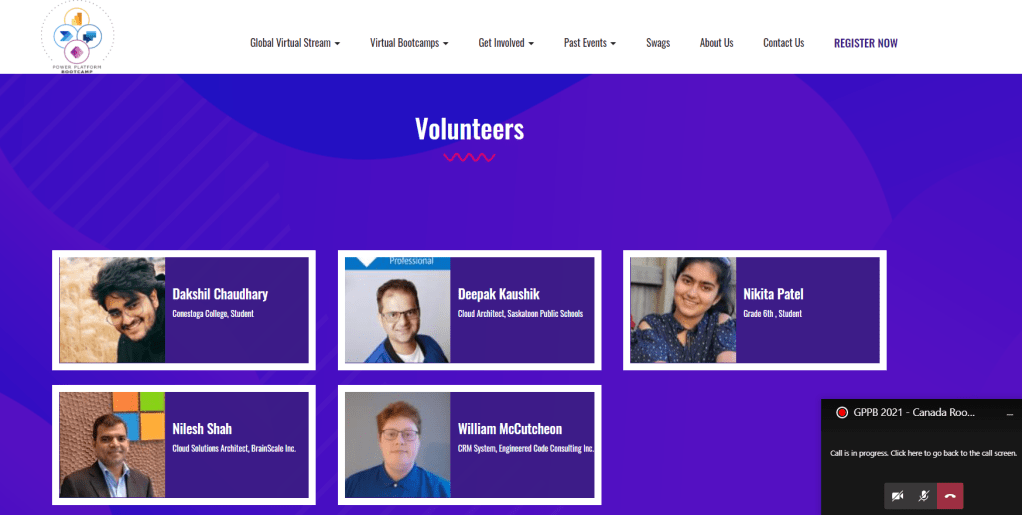
Deepak is a Microsoft Azure MVP. He is Co-Founder of “Azure IoT Coast 2 Coast” focusing on Microsoft Azure & IoT technologies. He is passionate about technology and comes from a development background.
You could find his Sessions/ Recordings at https://channel9.msdn.com – Channel9, C# Corner, Blog and Deepak Kaushik -Microsoft MVP YouTube Channel.
Though Azure Advisor does most of the magic and catches the huge fishes, someone must hunt for the small yet valuable fishes. Azure Advisors are unable to recommend optimization since they are unable to distinguish the resources and tiers used by Developers and Q.A.
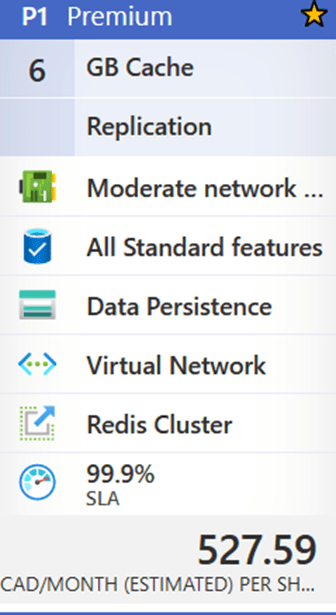
Today, I’m going to talk about an underutilized resource called ‘Azure Cache for Redis,’ which caught my eye recently. The maximum resource utilization from January to April 2021 is 2%. This resource is presently on the Premium 6 GB plan, which costs 527.59 CAD per month or $6,331.08 annually.
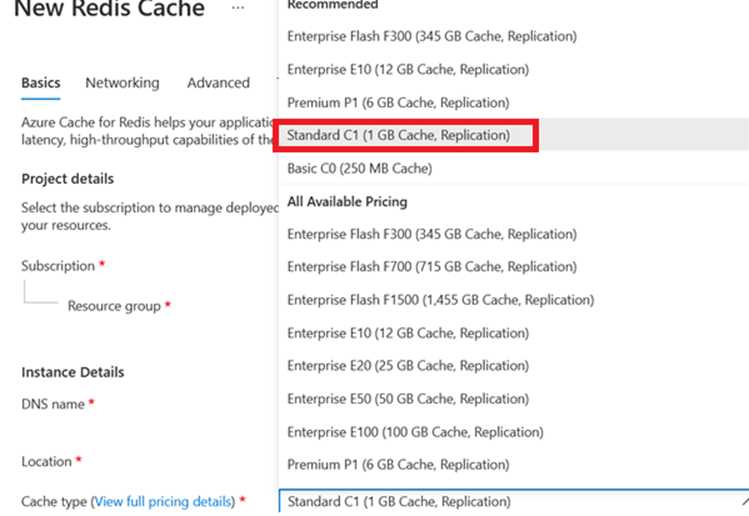
If the team could move to Standard C1 (1 GB Cache Replication) for 131.42 CAD per month, with a similar SLA (99.9%), and save 4622.62 (more than 70%) annually for just one resource at South Central.
My suggestion to the client
Suggested Tier Change :
Changing tier to Standard C1 (1 GB Cache Replication) for 131.42 CAD per month, with a similar SLA (99.9%), and save 4622.62 (more than 70%) annually for just one resource at South Central makes my client happy 🙂
Reduce Time to Market (Scope / Release an MVP (Minimum Viable Product))
Hybrid environment
Secure security for your hybrid environment (SSO=Single sign on, Azure IAM solution)
Reuse/extend your on-premises licensing in Azure.
Use the new features in each Azure service and optimize your data within the cloud.
Let’s mention some of the way in migrating your data into Azure.
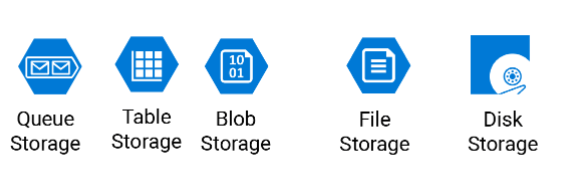
Storage Services
Azure has numerous ways in storing your on-premises data, but the main question is what kind of data are they? Are they archive data, or transactional data? BI data? What format are they in? file/DB? How is the data moving around? Transactional/Incremental/… as you can see each set of data have a different nature that needs to be treated differently and for that Microsoft has a variety of Azure services as mentioned.
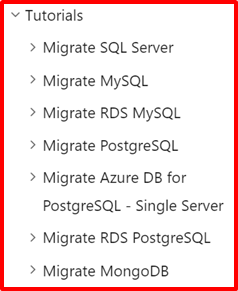
One of the most famous services that migrates your on-premises data to the cloud is Azure Database Migration Services, this service can migrate any well knows database software/application to the Azure cloud, it also can migrate your data base in a offline or online approach (minimal downtime).
Also they are numerous ways in migrating to Azure using different services like..
Azure Migrate: Server Migration
Data Migration Assistant
Azure Database Migration Service
Web app migration assistant
Azure Data Box
Azure Data Factory
Azure CLI (Command Line).
Azure PowerShell.
AZCopy utility
Third part migration tools certified by Microsoft.
On-prem tools, for example SSIS.
Analytics and Big Data
The definition of Analytics in the data world is to have the analytics team deal with the entire data, that leads them in dealing with big data and running/process/profiling massive amount of data and for that Microsoft have provided a variety of tools depending on the analytics team needs, or the type/volume of data, some of the most well knows analytics tools within the azure are as mentioned and some of them have embedded internal ETL tools.
Azure Synapse Analytics (formally knows as Azure SQL DW)
Azure Data Explorer (know as ADX)
AZ HD Insight
Power BI
… and many, many more.
Azure Migrate Documentation
You might be looking at the definition of migration from a different angle, it may have a different meaning like migrating VM, SQL configuration and other on-premises services, take a look at Azure Migrate Appliance under the Azure Migration documentation.
Choose an Azure solution for data transfer.
Check out some of Microsoft’s data transfer solution, in this link (click here) you will find few scenario that can help you to understand the existing data migration approaches.
Conclusion
Migrating to Azure is very simple but needs planning, consistency and basic Azure knowledge. You may have a very successful migration, but you need to make sure that the new features in azure services are been used as needed, and finally Microsoft always has a solution for you.
If data sources are installed at a long distance from the stakeholders who control the operation, timely notifications are required. Agriculture, mining, power generation, oil and gas, and other industries can all benefit
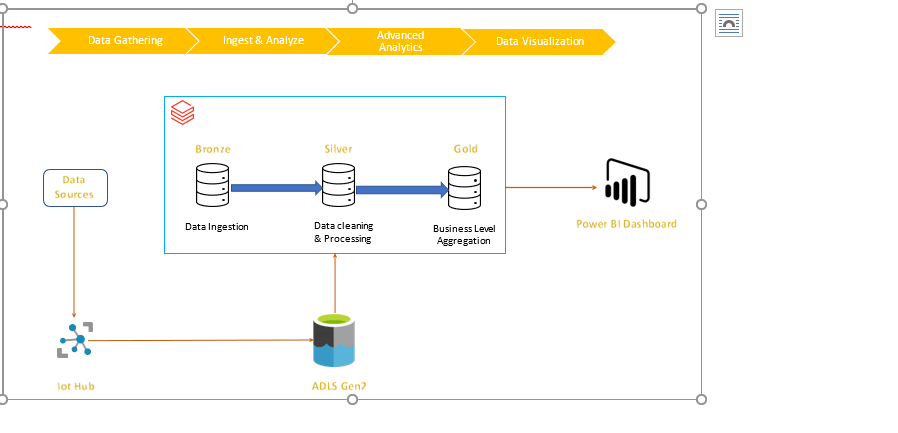
Technologies used: Azure Databricks, Python, pyspark, Scala, Power BI
Data sources: Sensors – like heat, humidity, water leakage, electric meters, drones sending data to iot hub.
Solution description: Data from IOT sources are loaded into ADLS Gen2. A checkpoint is created, and autoloader is configured to load and maintain the data. Lastly Azure data bricks bronze, silver & gold tables are created which supplies data to power BI dashboards based on business rules.
Architecture:
Solution Details:
Step 1: Initial configuration, autoloader & load data
Data from various sources are periodically copied to iot-hub, Now, once file is loaded, autoloader tool ingests this data to azure data lake storage gen2 (ADLS Gen2) databricks mount.
Step 2: Create Delta Lake Bronze table
All raw data in csv format can be ingested to bronze table. Basically, it is complete load of all data received.
Step 3: Data processing in Silver Table
This is one of the major steps and in this solution, data processing is performed and cleaned data is saved in silver table.
Step 4: Data processing in Gold Table
In this step, as per business requirements, business logic is applied, and alerts columns are created. This is applied on current load.
Step 5: Dashboard (Power BI):
Gold table is source for Power BI dashboard. This dashboard can help user to sort the existing alert get more details about it. User can also see different analytics on the dashboard.
Based on business mandate, email notification is sent to stake holders
"cloudFiles.schemaLocation": "/Mount point Path /_checkpointname/",
"rescueDataColumn":"_rescued_data",
"cloudFiles.useNotifications":"false"
}
# Set up the stream to begin reading incoming files from the Mount point Path location.
df = (spark.readStream.format("cloudFiles").options(**cloudfile).load('/Mount point Path/StreamingLog) withColumn("filePath",input_file_name())) # this adds a column with file name
Create Dataframe using new uploaded data
Here checkpoint is tracking or keeping a record of all the files that are uploaded to mountpoint. newly uploaded files those don’t have any record in checkpoint is loaded at DELTALAKE_BRONZE_PATH
Silver & Gold Table: Once data is uploaded into the bronze table, all data cleaning and ETL can be performed on it and clean data can be saved into the silver table.
After formation of silver table, all business rules are applied, and gold table is created. This is the source for all reporting, dash boards and reporting tools, (Power BI) in our case.
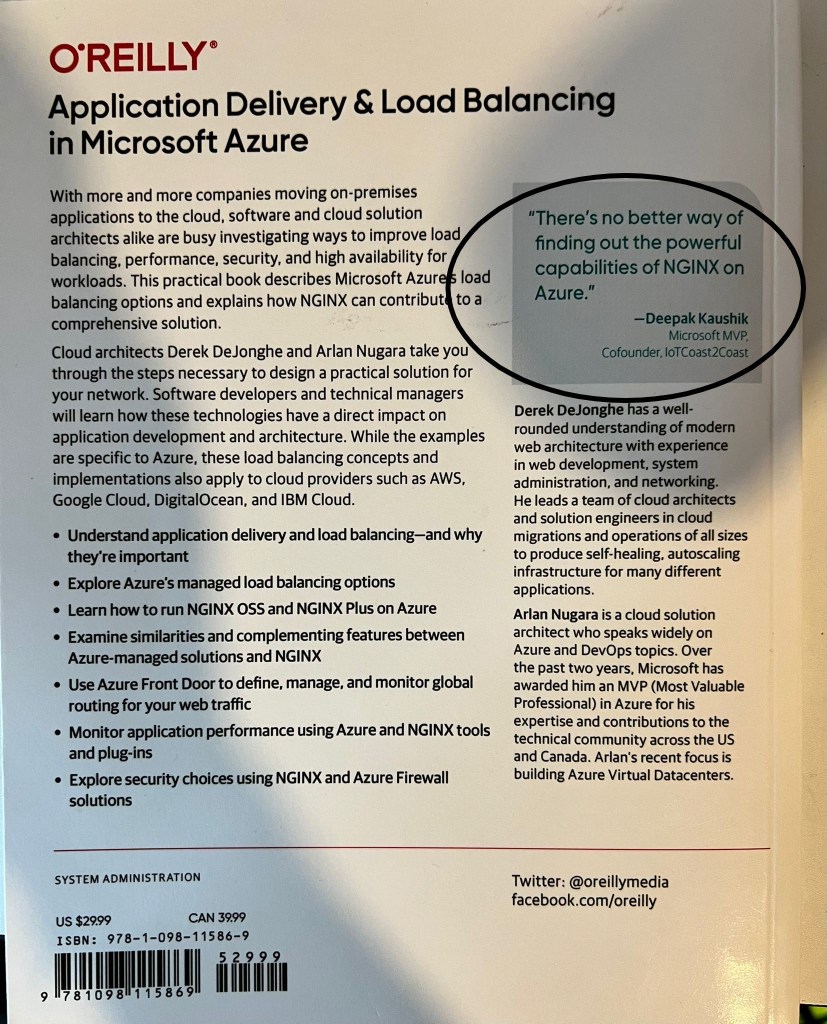
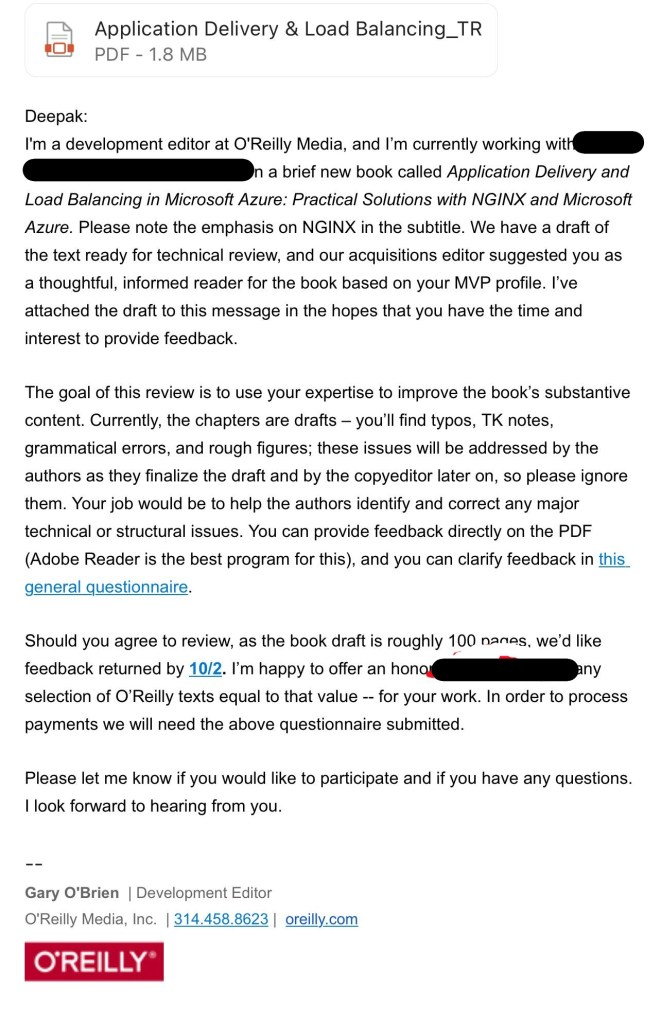
It’s a privilege to review the technical book “Application Delivery and Load Balancing in Microsoft Azure: Practical Solutions with NGINX and Microsoft Azure.”
My role was to assist the authors in identifying and correcting any major technical or structural errors, as well as providing up-to-date technical information.











 Deepak Kaushik -> Cloud Blooded Beast